Step by step
- 1Open Flashcards.
- 2Tap Shuffle to mix the cards.
- 3Adjust the auto-play speed.
- 4Tap Practice Cards to review with your settings.
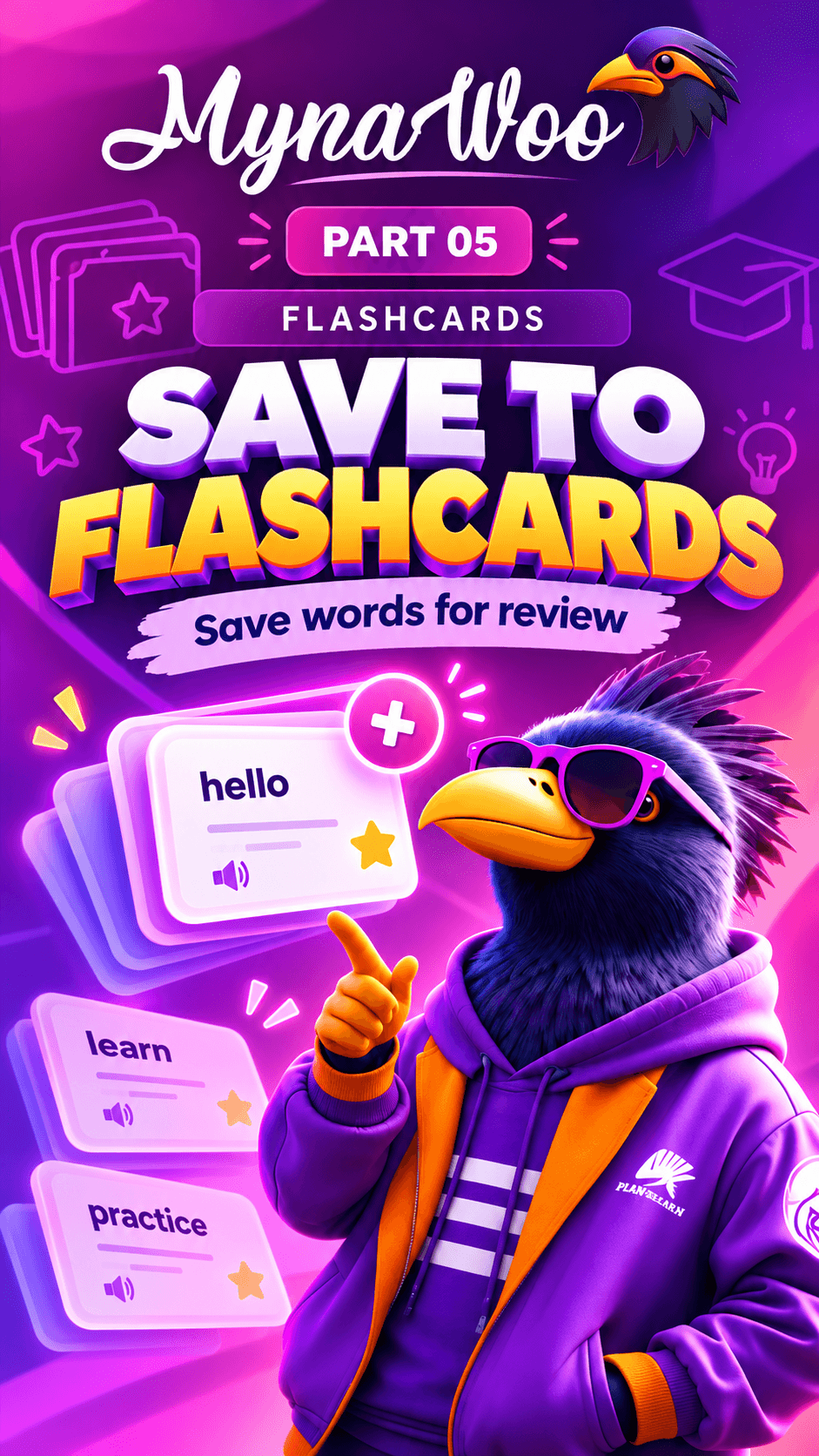
Your deck, your rules. The flashcard settings let you shuffle the cards so you do not memorise them by position, and set how fast cards advance when auto-play is on.
A slower speed gives you time to recall each word; a faster one turns review into a quick refresher. Auto-play also works well for hands-free listening practice.
Your settings are applied the next time you tap Practice Cards.