Step by step
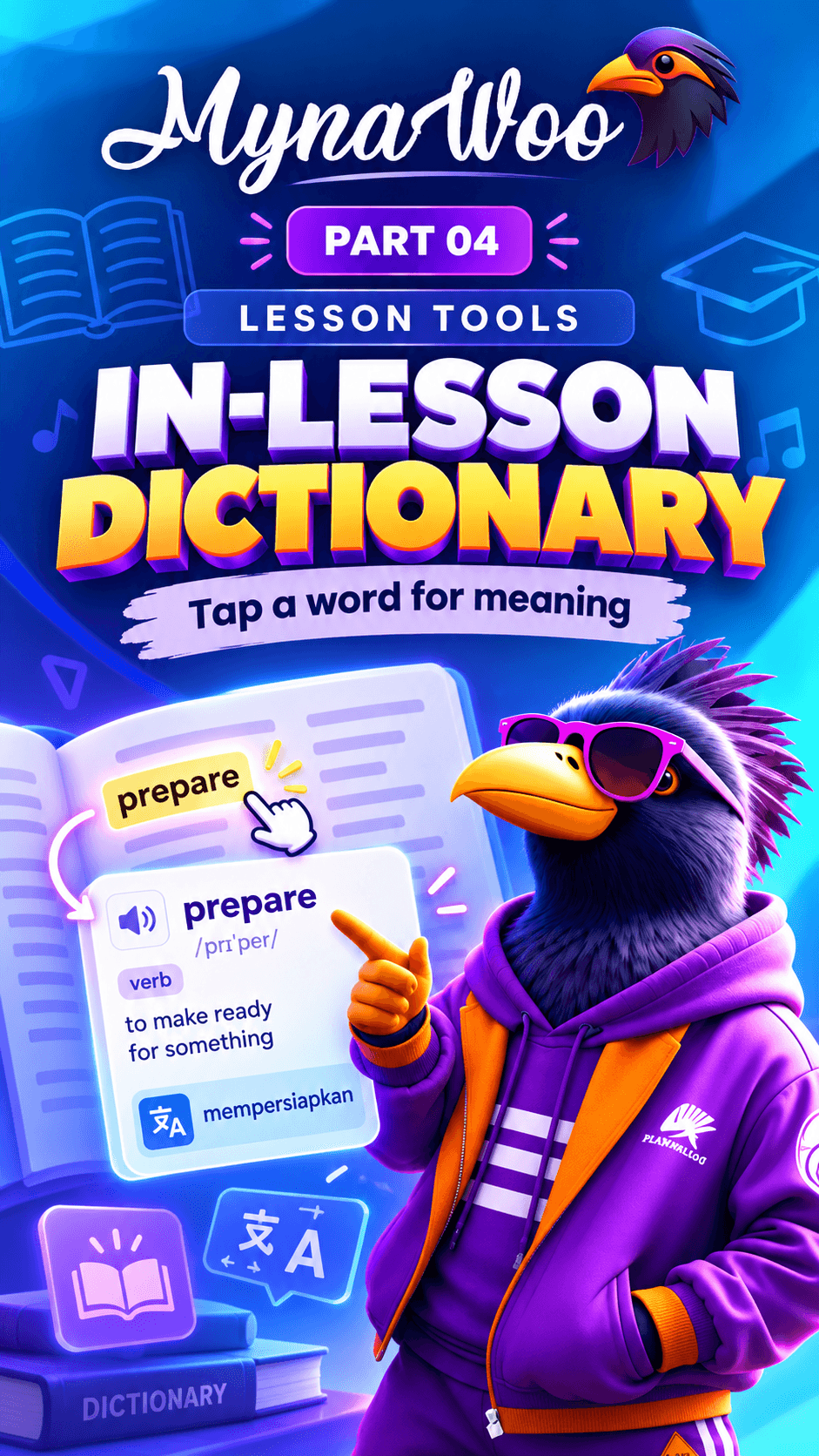
- 1Double-tap a word in a lesson.
- 2Tap Add flash card in the word panel.
- 3Open Flashcards.
- 4Find the saved word ready for review.
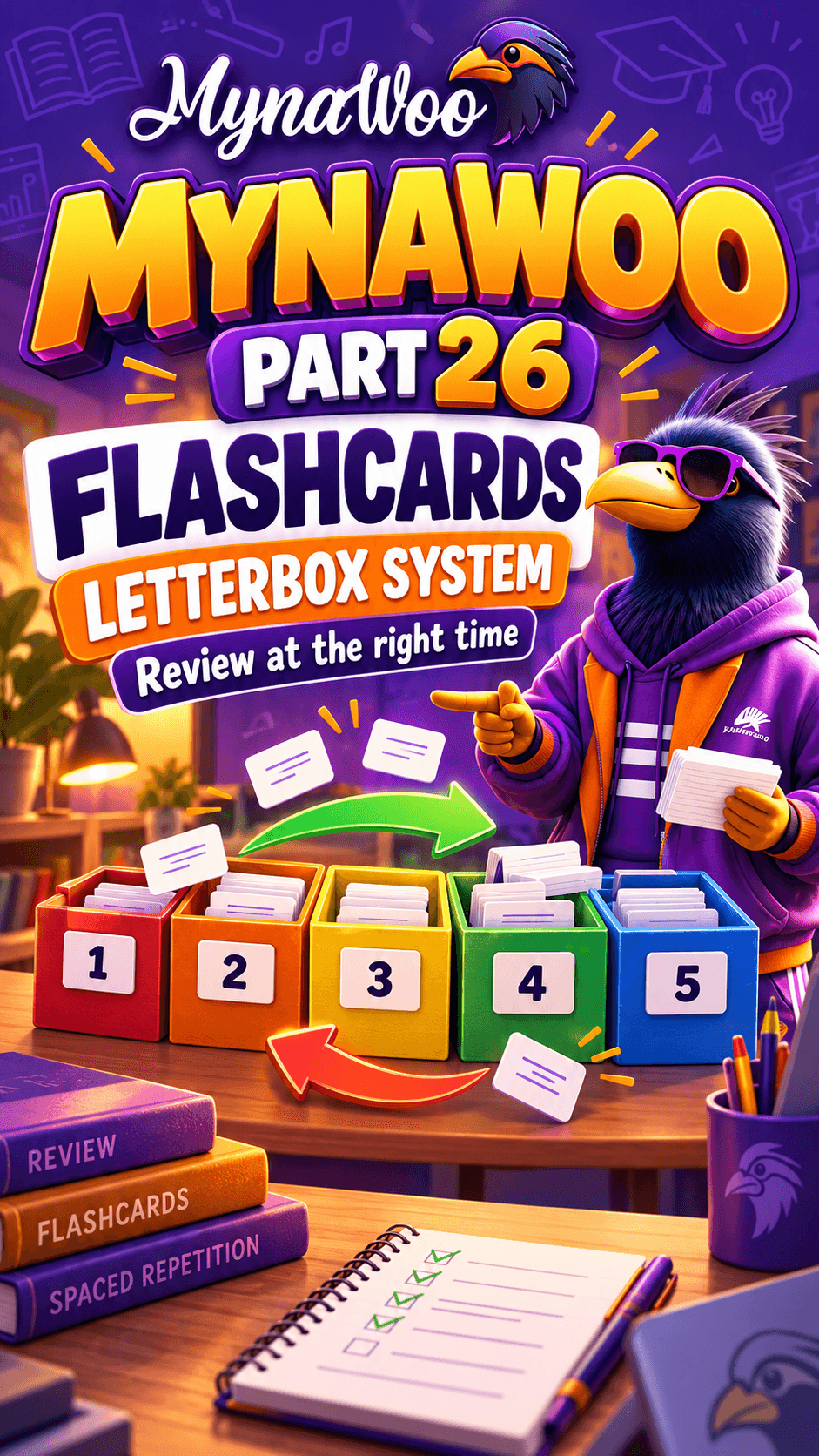
Your Letterbox is where saved words live until you know them well. Adding a word takes one tap on Add flash card in the dictionary panel.
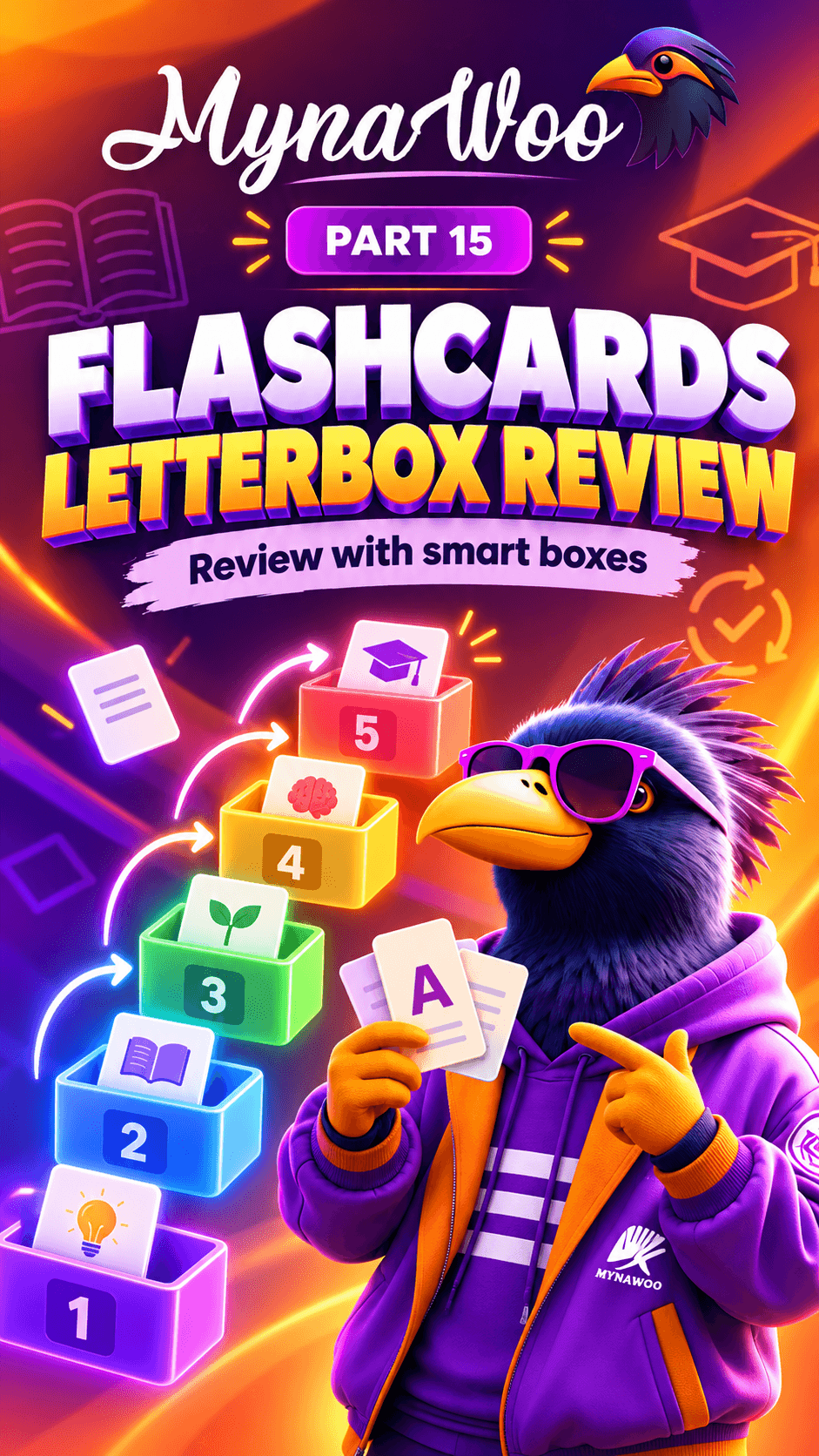
Open Flashcards afterwards and you will find the new card waiting in the first box. As you review it correctly over time, it moves up through the boxes and appears less often.
Save the words you actually meet in lessons; a list built from your own reading is far easier to remember than a generic one.