Step by step
- 1Open Flashcards.
- 2Open a card.
- 3Tap the sound icon.
- 4Listen to the pronunciation, then go to the next card.
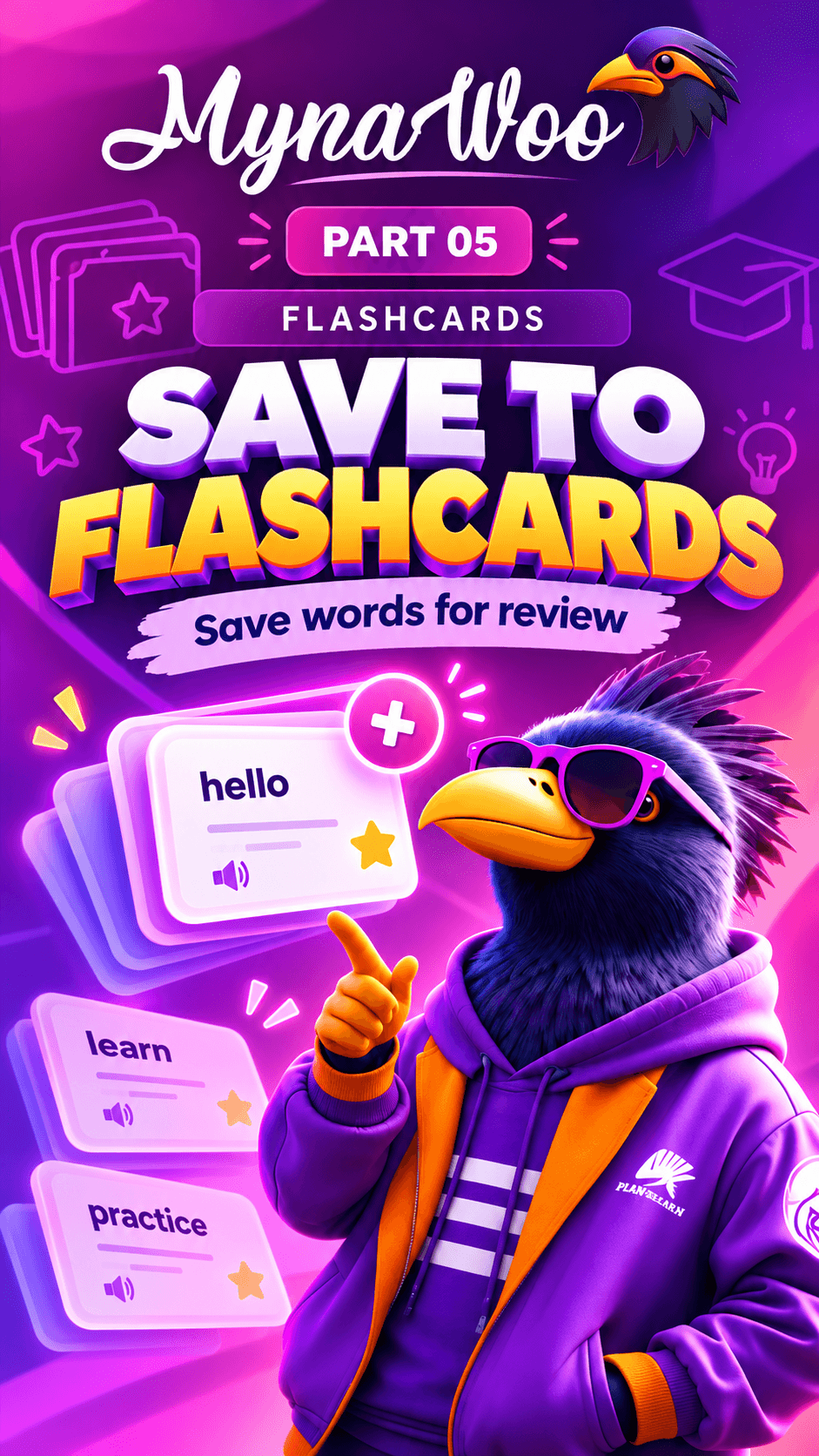
Every flashcard can be heard as well as read. Tap the sound icon on a card to play the word, then repeat it aloud before moving on.
Listening while you review links the spelling, meaning and sound of each word, which makes it easier to recognise in conversation and to say it correctly yourself.
Combine this with the deck settings if you want cards to play automatically while you practise.