Step by step
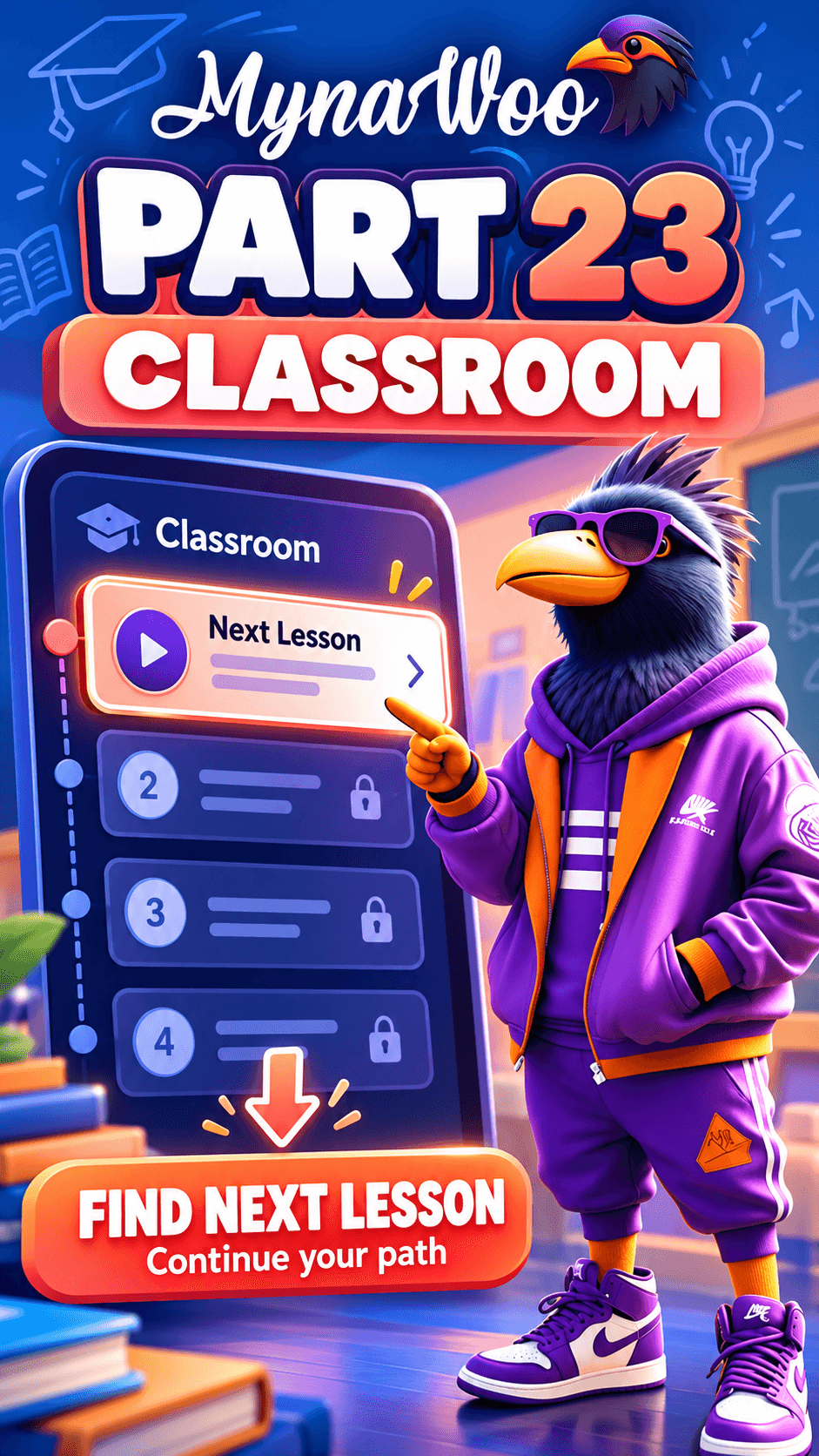
- 1Open the Classroom.
- 2Find the Next Lesson card at the top of your path.
- 3Tap the card.
- 4Tap Start Lesson.
The Classroom always highlights the lesson that comes next in your course. Instead of browsing units and levels, tap the Next Lesson card and press Start Lesson.
This is the quickest daily routine on Mynawoo: open the app, tap once, and you are learning. Mynawoo keeps the lessons in order, so each one builds on the vocabulary and grammar from the previous lesson.
If you want to jump to a different lesson instead, use Change lesson or course in the Classroom.