Step by step
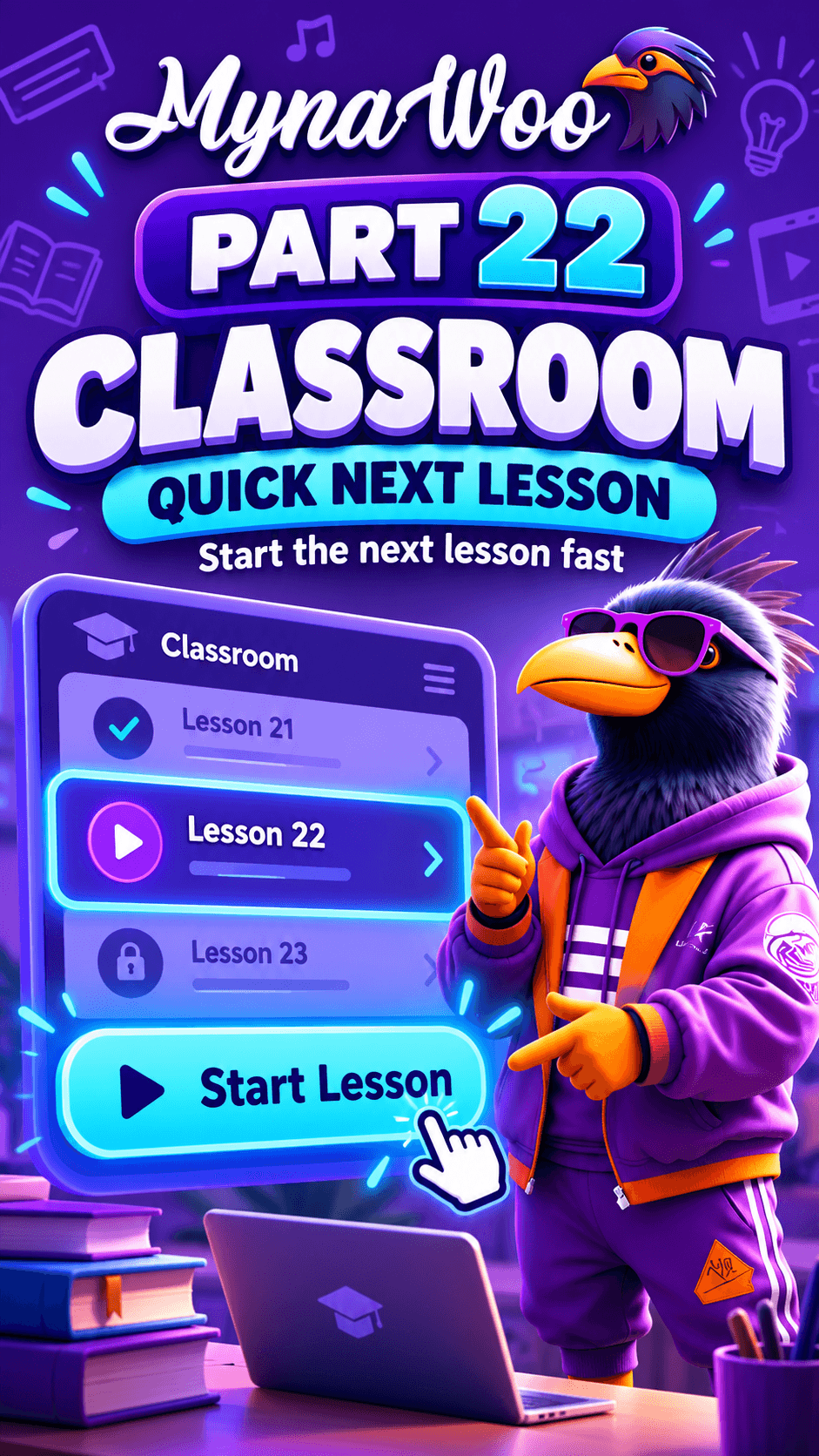
- 1Open the Classroom.
- 2Scroll down through your lesson path.
- 3Completed lessons are ticked; the next lesson is highlighted.
- 4Tap the next lesson.
- 5Tap Start Lesson.
Your lesson path lists every lesson of the current level in order. Lessons you have finished are marked as complete, the lesson you should take now is highlighted, and later lessons wait below it.
Scrolling the path is useful when you want to see how far you have come or how many lessons remain in the level. When you find the highlighted Next Lesson, one tap opens it.
The path updates automatically after each lesson, so the highlight always points to the right place.