Step by step
- 1Open the Classroom.
- 2Tap Change lesson or course.
- 3Open a Level to see its lessons.
- 4Select a lesson, or tap Next Lesson to continue.
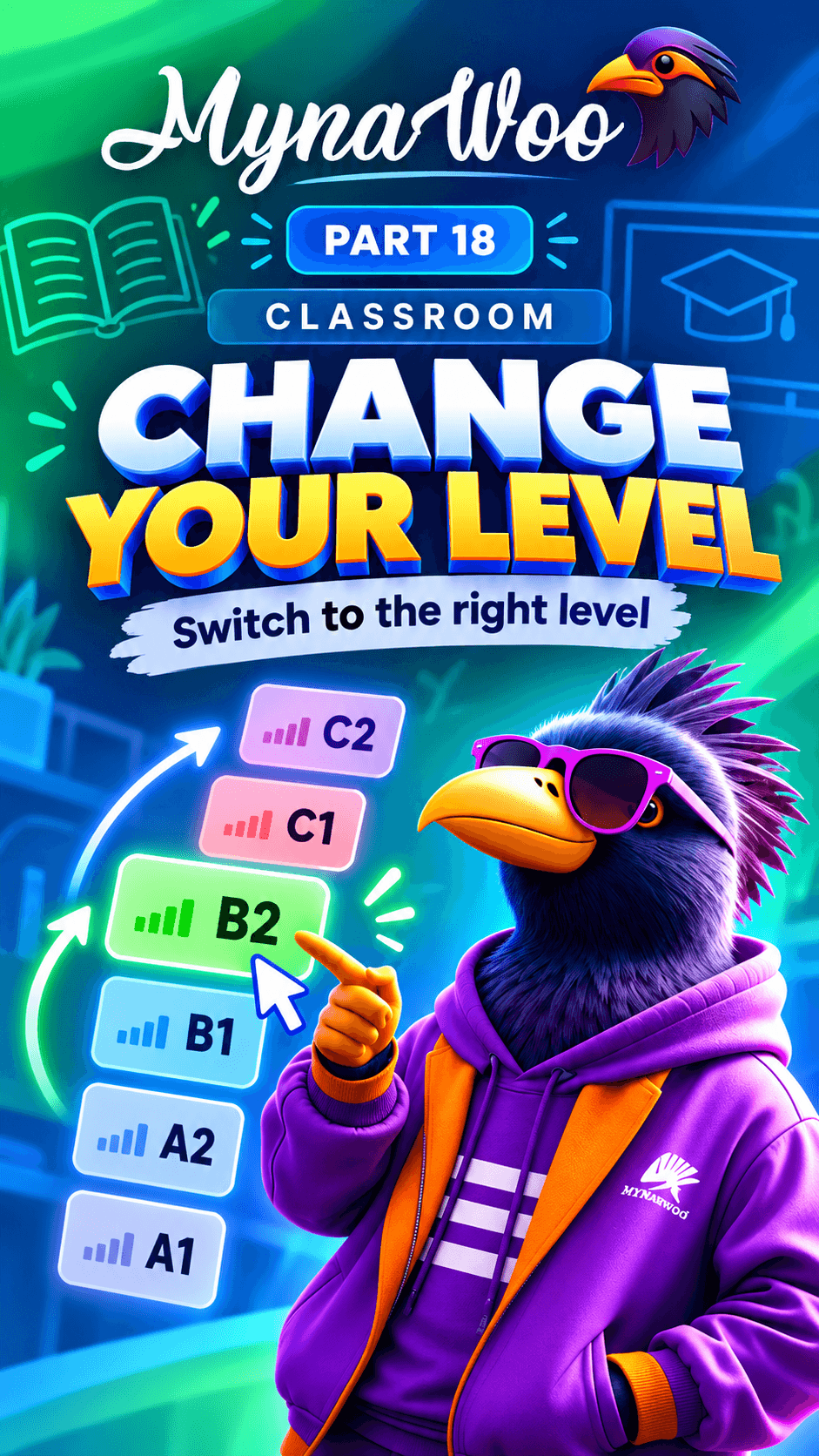
Your learning path shows the whole course at a glance: the CEFR levels, the lessons inside each one, and exactly where you are now.
Opening Change lesson or course in the Classroom lets you browse levels and lessons. It is the place to check what you have completed, look ahead to what is next, or pick a particular lesson to review.
Knowing your position removes the guesswork, so every session starts with a clear next step.