Step by step
- 1In a lesson, tap the level and lesson title at the top.
- 2Tap Change lesson or course.
- 3Open Level and choose the level that suits you.
- 4Select a lesson, for example A2 Lesson 1.
- 5Start the new lesson.
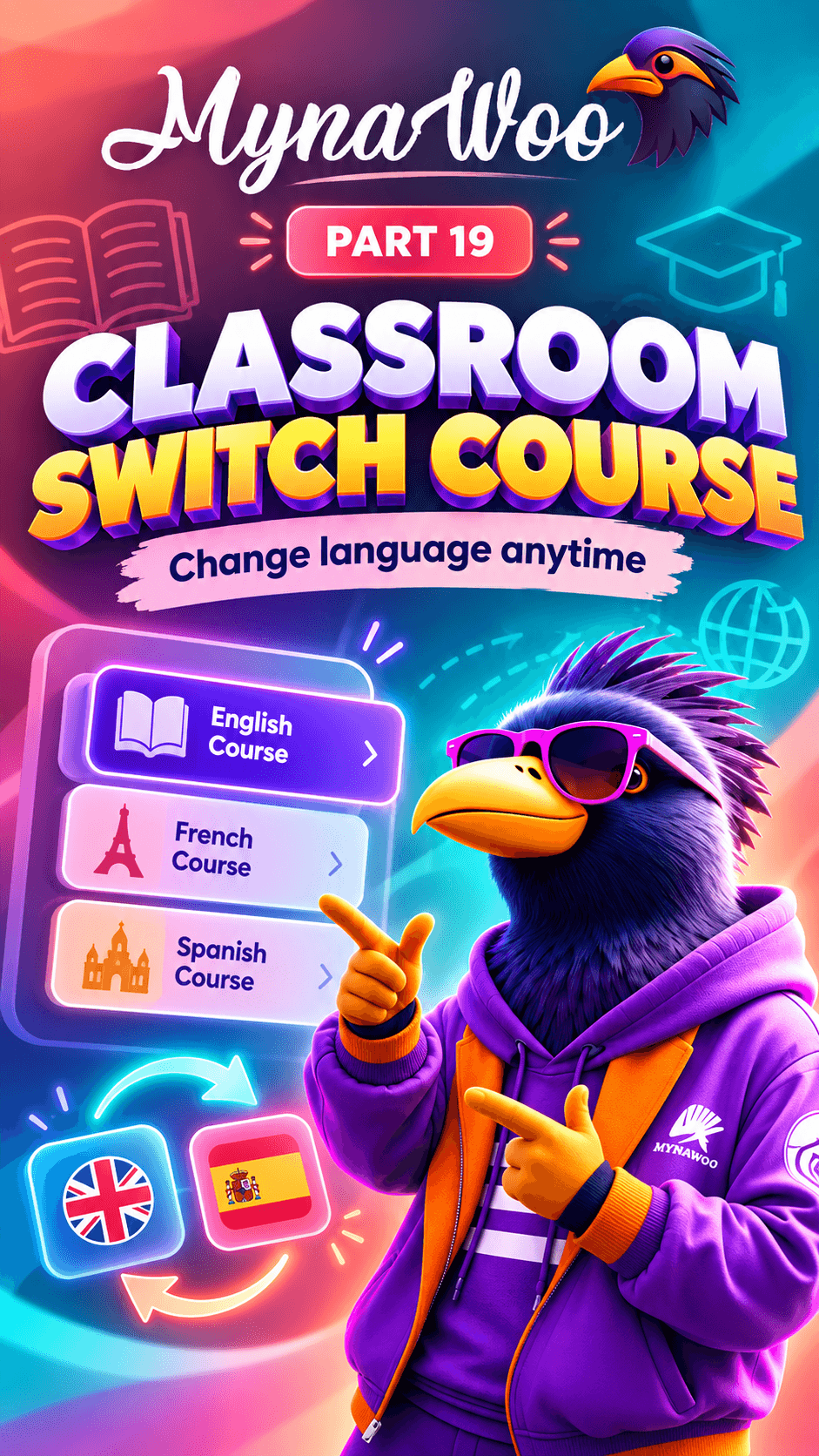
If a lesson feels too easy or too difficult, you do not need to finish the level first. Tap the level and lesson label at the top of the lesson, then choose Change lesson or course.
Pick the level that matches you better and select a lesson in it. Mynawoo moves you there immediately, and your earlier progress stays saved in case you want to return.
Adjusting your level early keeps learning motivating: hard enough to grow, easy enough to enjoy.