Step by step
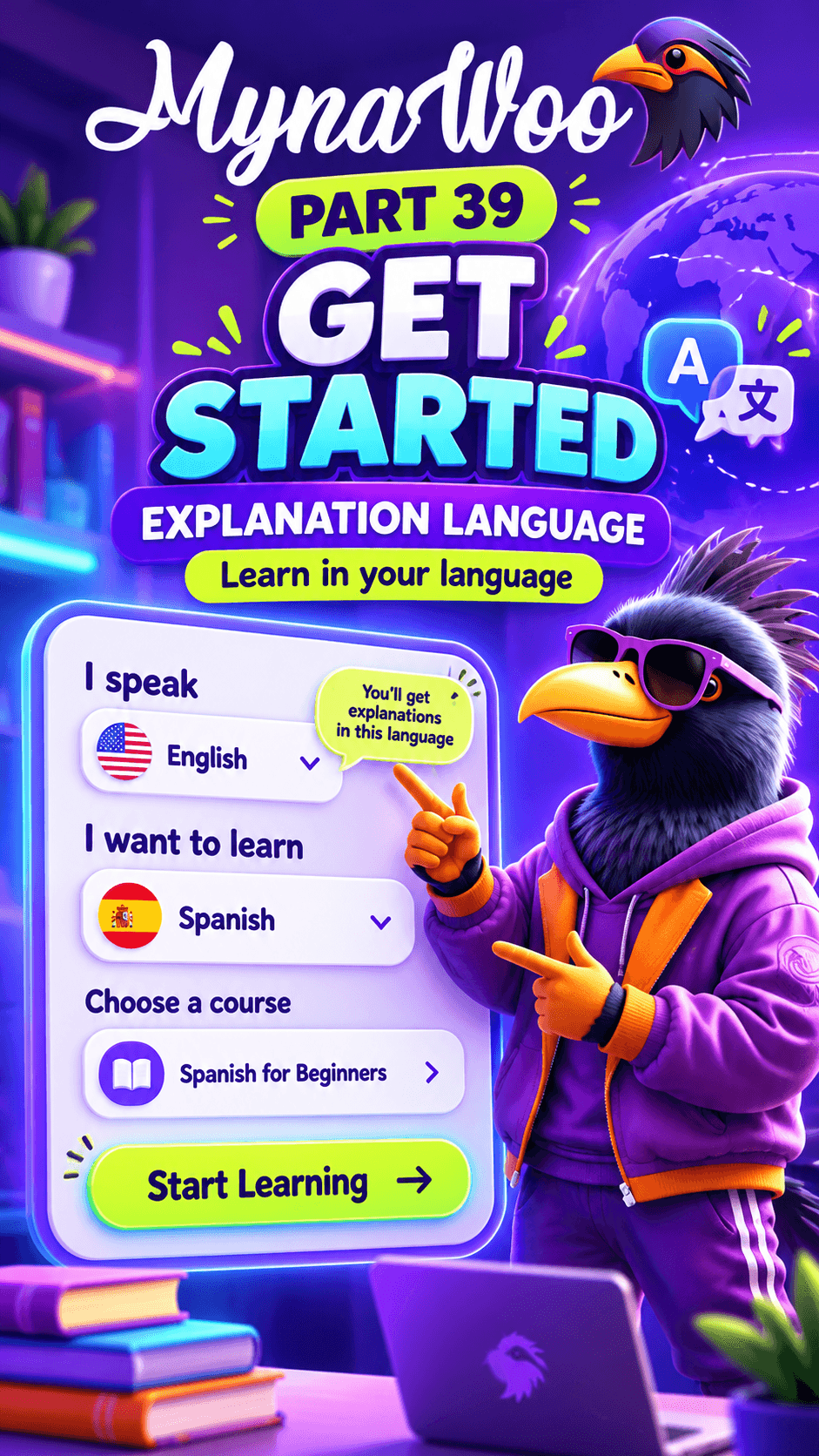
- 1Under I speak, choose the language you understand best.
- 2Under I want to learn, choose your target language.
- 3Pick a course.
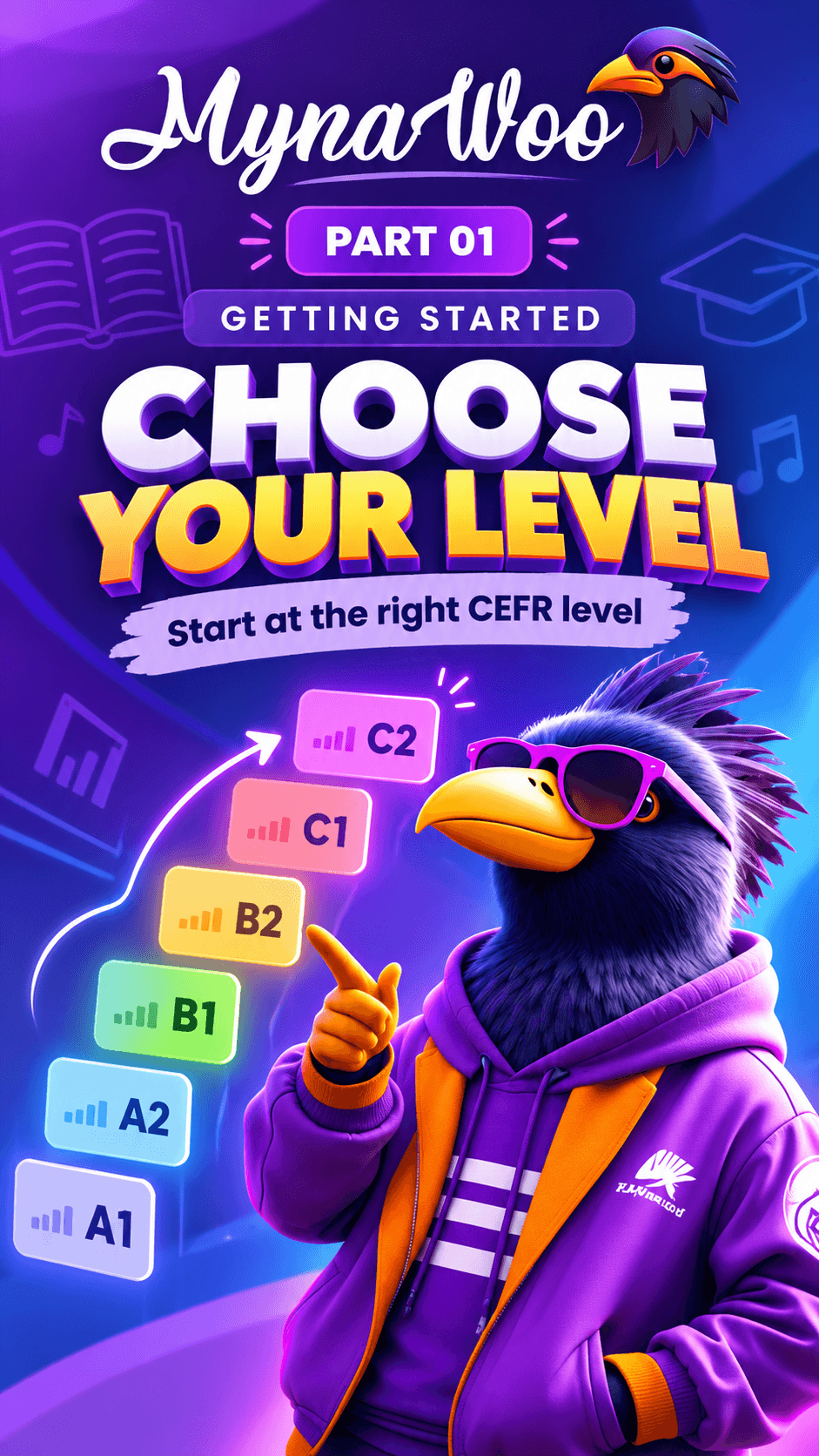
- 4Choose your CEFR level.
- 5Tap Start Learning to open Lesson 1.
Getting started takes less than a minute. Mynawoo first asks which language you speak, so every explanation is written in a language you already understand. Then you choose the language you want to learn and pick a course for it.
Next you choose a level. You do not have to start from zero: if you already know the basics, select a higher CEFR level and skip what you know. When you tap Start Learning, Mynawoo opens Lesson 1 of that level straight away, with no extra setup screens.
You can change your course or level at any time later from the Classroom, and your progress is kept.